
Ever wonder if you can boost your trading skills without risking a dime? A trading simulator lets you test advanced strategies in a real-like market using live or historical data. It shows you how orders and reports work as market shifts occur. Every mistake is a lesson, and every win builds your confidence. Whether you’re just starting out or already trading, smart practice is your first step to success.
How Trading Simulators Provide Risk-Free Practice Environments
Trading simulators mirror real market conditions without any financial risk. They use live or past data so you can test strategies, like market, limit, or stop orders, without spending a cent. For example, a user might try a breakout strategy before using real money.
These platforms mimic active markets by replaying historical data and simulating real-time trading. They even include Level 2 data, letting you observe price shifts and liquidity changes similar to live sessions. This setup gives a true-to-life trading feel that is essential for fine-tuning your strategy.
Both beginners and seasoned traders can benefit. New investors build confidence and learn risk management, while experienced traders adjust advanced techniques. In a risk-free environment, mistakes only turn into valuable lessons.
Key Features to Evaluate in an Effective Trading Simulator
A strong trading simulator lets users test their strategies without any real financial risk. It reproduces real market conditions while offering essential tools for both newbies and experienced traders.
- Real-time Level 2 data feeds show market depth and liquidity shifts.
- Detailed profit and loss reports along with risk metrics help track performance.
- Multi-asset support covers stocks, forex, options, futures, and CFDs.
- More than 100 technical indicators and customizable charting tools support deep analysis.
- Simulated order matching engines replicate real trade execution.
- Built-in tutorial modules guide beginners through market mechanics and strategy setup.
- A preset virtual buying power of about $100K is provided, with options to adjust leverage and margin.
These features allow traders to practice in a controlled setting that mirrors real trading. With this simulator, users can sharpen their risk management skills and fine-tune their strategies without the worry of losing money. Clear data organization and instant feedback help build confidence and improve trading skills in a realistic yet risk-free environment.
Comparing Top Trading Simulator Platforms
| Platform | Asset Classes | Key Features | Pricing |
|---|---|---|---|
| Forex Tester Online | Forex | Web-based access, extensive historical data, realistic order simulation, works on any device | Subscription-based |
| Trade Nation | Forex, Stocks | No-signup demo, beginner-friendly design, wide market coverage | Free demo; upgrade for live trading |
| FX Replay | Forex | Focus on backtesting, tick-by-tick replay, TradingView-like charts | Subscription-based |
| ProRealTime | Stocks, Forex, Options | Over 100 indicators, multi-timeframe charts, advanced technical analysis | Free with delayed data; fees for real-time access |
| StockCharts | Stocks, ETFs | Interactive charts, customizable indicators, limited forex tools | Subscription-based |
| Soft4FX | Forex | MT4 integration, deep historical forex data, lacks MT5 support | Depends on MT4 subscription |
Forex Tester Online
Forex Tester Online lets traders access years of historical forex data. It simulates order execution under live market conditions so every trade acts like a real-world order. Plus, its cross-device support means you can train from your desktop, tablet, or phone.
Trade Nation
Trade Nation makes it easy for beginners with its no-signup demo feature. The platform covers both forex and stocks, letting users practice across different markets without complex setups. When you’re ready for live trading, you can upgrade your account to get started.
FX Replay
FX Replay is built for detailed backtesting. It offers tick-by-tick market replays to capture even the smallest price moves. With an interface similar to TradingView, it gives traders a familiar charting setup to test and refine strategies efficiently.
How to Set Up and Start Using a Trading Simulator
Begin by signing up for your free practice account. Choose from options like MetaTrader 4/5 demo, TradingView paper trading, Thinkorswim® paperMoney®, eToro virtual portfolio ($100k), or Plus500 demo. Fill out your basic details and verify your email to unlock your virtual funds.
Next, launch the trading simulator. You can either download the app or log in through the website. This gives you a virtual platform that mimics real market conditions.
Then, adjust your account settings. Set your virtual buying power and adjust leverage by entering your desired balance and margin settings. Make sure these match the risk parameters you plan to use.
Pick the asset classes you want to trade. Most platforms let you choose from stocks, forex, options, futures, or CFDs. Focus on the markets that interest you most.
Finally, place your first test trade. Whether you set a market, limit, or stop order, use real-time data to see how your order is executed. This will show you how your strategy works in a live-like environment.
Advanced Strategy Testing and Performance Metrics in Trading Simulators
Trading simulators now pack robust performance tools that help traders sharpen their strategies with clear, data-driven insights. These tools track win/loss ratios, average profit and loss per trade, maximum drawdown, Sharpe ratios (risk-adjusted returns), and trade durations. This detailed data lets you see exactly how well your strategy performs and where it may need adjustments.
Tracking key metrics is simple. You can monitor profit and loss, drawdown, win rate, and trade expectancy with ease. A strategy may show a positive average profit per trade even if it suffers occasional large losses. Keeping an eye on drawdowns exposes potential weak spots, while win rate and expectancy indicate how likely your strategy is to succeed under different market conditions. Many simulators also offer equity curves and trade heatmaps to help you visualize performance over time and fine-tune your tactics.
In addition, you can choose between real-time data and historical replays. Real-time modules display live order book activity and market changes during volatile sessions, giving you immediate feedback. Historical replays allow you to stress-test strategies over longer periods, whether for intraday scalping or swing trading, so you get a full picture of long-term performance and risk-adjusted returns.
By blending these insights, you can fine-tune your entry and exit points, adjust risk levels, and boost overall strategy resilience. This dual approach provides a practical toolkit for navigating today’s dynamic market conditions.
Selecting the Right Trading Simulator for Your Skill Level
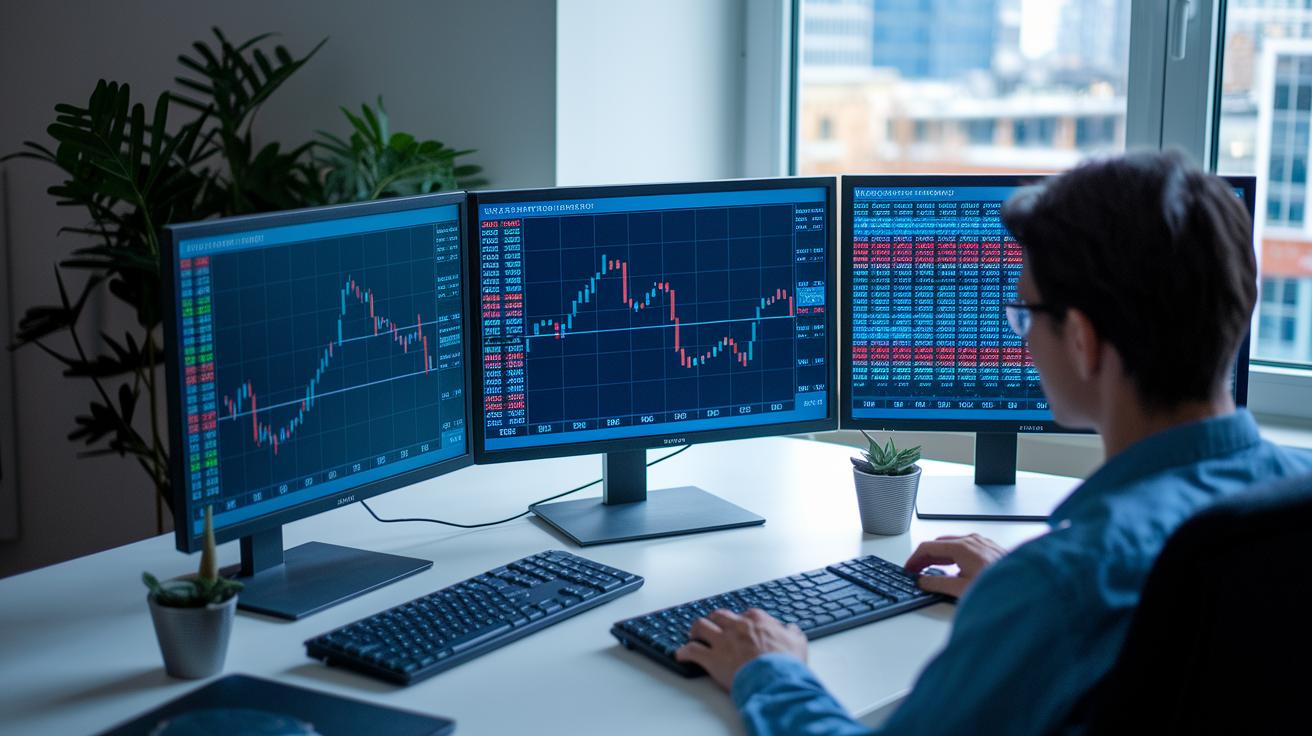
For beginners, choose a simulator with a clear layout and preset funds that let you learn without distractions. Platforms like Trade Nation or Investopedia Stock Simulator focus on essential order types, basic charts, and set buying power. This simple setup builds confidence and helps you grasp market basics before moving on to more advanced tools.
Intermediate traders may want a wider range of assets and extra technical features. Tools like Thinkorswim or TradingView offer customizable charts and additional asset options. These features allow you to test various strategies and use custom indicators, giving you a bridge from basic practice to professional testing.
Advanced users might prefer robust platforms such as ProRealTime or Soft4FX. They deliver deep backtesting, algorithm interfaces, and detailed reporting. These capabilities support refined risk management and strategic execution as your trading needs evolve.
Final Words
In the action, the blog post broke down how trading simulators offer a risk-free practice area by replaying real market data. The guide detailed setting up these platforms, evaluating key features such as real-time data feeds and performance metrics, and comparing top tools for different skill levels.
It highlighted how hands-on practice builds confidence and readiness for live markets. This clear, actionable guide shows that with the right trading simulator, traders can test strategies and sharpen skills for positive market moves.
FAQ
What is a trading simulator game?
The trading simulator game is a software tool that mimics market conditions using historical or live data, enabling users to test strategies without risking real money.
Are there free trading simulators available?
Free trading simulators offer no-cost access to virtual funds, real-time data, and customizable charts, allowing users to explore trading strategies in a risk-free environment.
How do free day trading simulators work?
Free day trading simulators mimic intraday market movements by replaying historical or live quotes, enabling users to practice managing quick trades and testing order types without financial risk.
What does a fake trading simulator mean?
A fake trading simulator is a demo account that replicates real market conditions without using actual funds, helping users test trading strategies in a simulated environment.
Which trading simulator is best for beginners?
The ideal simulator for beginners features an intuitive interface, preset virtual funds, and straightforward tutorials, allowing new traders to practice realistic strategies with ease.
Is there a game that simulates trading?
Yes, some trading simulators are designed like games with interactive interfaces that make learning market dynamics engaging while accurately reproducing real trading scenarios.
How do trading simulators perform futures and forex trading?
Trading simulators for futures and forex offer multi-asset support, real-time data feeds, and advanced charting tools to accurately emulate the execution and analysis of trades in these markets.
Can I earn $1000 per day using a trading simulator?
While trading simulators provide realistic practice conditions, they do not generate actual income; performance in a simulated environment is not a direct predictor of real trading profits.
What are traders saying on Reddit about trading simulators?
Reddit users share experiences, compare platform features, and offer advice on refining strategies, highlighting simulator strengths and limitations in replicating live market conditions.
Which trading simulator is considered the best overall?
The best trading simulator combines realistic data feeds, multi-asset support, customizable tools, and detailed performance reporting to meet the needs of both beginners and experienced traders.